



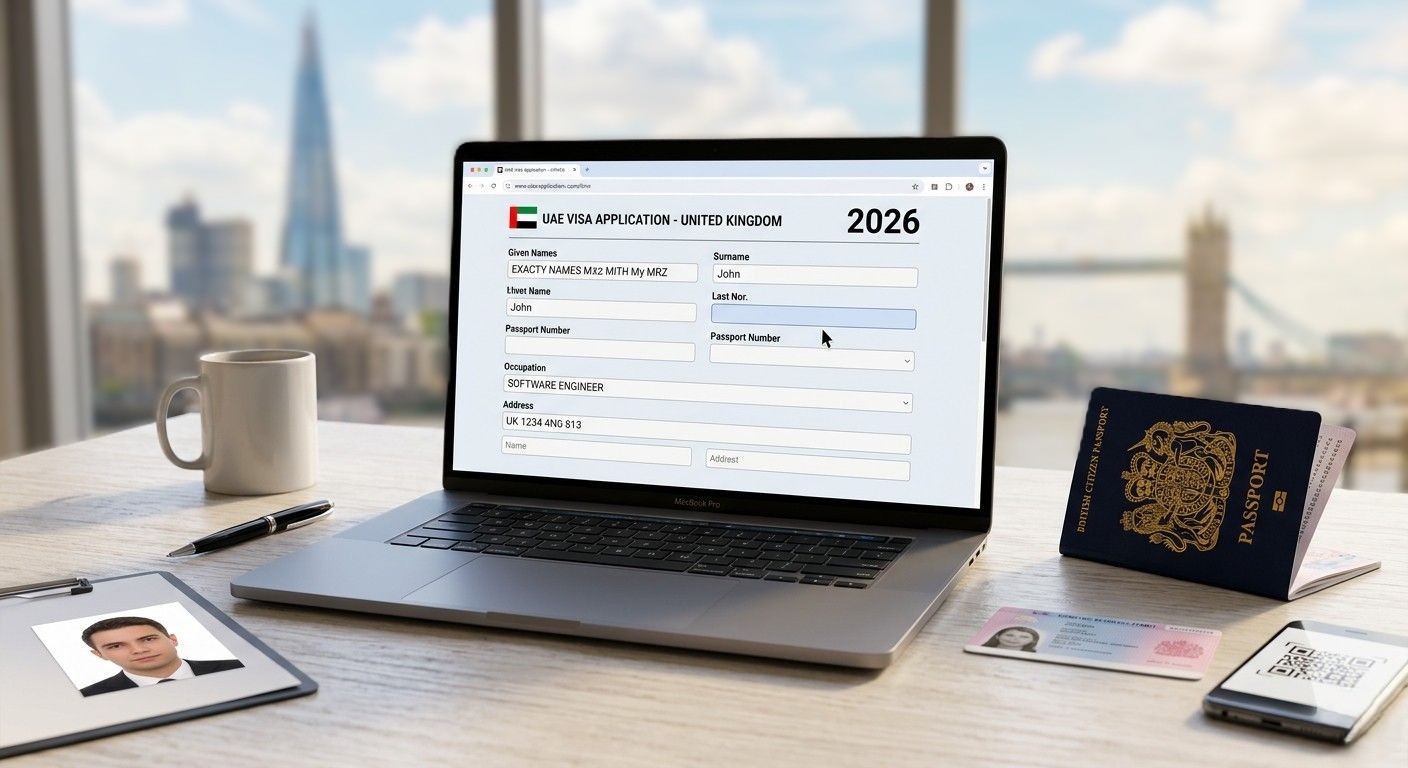
Here is the uncomfortable truth no one tells you before you open the Dubai visa application form. Most UK applications that get delayed or rejected are not refused because the traveller was ineligible. They are refused because of small, fixable filling errors like a missing initial, a passport number with an “O” instead of a “0”, or “stay-at-home” entered where “housewife” should have been. According to immigration-pattern data compiled by UAE visa specialists, most rejections occur at automated check layers, flagged data mismatches and document-quality issues, which are the easiest and fastest to fix. Yet they still derail thousands of UK trips a year.
This guide walks through every important field in the visa application form as it appears for UK residents and the Dubai visa form for BRP holders, with real examples and the exact mistakes to avoid at each step. By the end, you will know precisely what to enter, what format to use, and where applications most often go wrong.
If you would rather have a UK-based team fill out the form with you over WhatsApp and pre-check every field before submission, that option exists. Head to Tour To Dubai. It takes the guesswork out of the UAE visa application UK process.
Before You Start — Three Things to Have Ready
Open the Dubai visa form fields only when you have gathered these. Stopping mid-application to find documents is where most errors begin.
- Passport bio page and external cover: Colour scan, all four edges visible, MRZ (machine-readable zone) at the bottom legible
- BRP front and back: If you are a non-British passport holder or your UK visa vignette
- A recent passport-style photo: Must be on a plain white background
Realistic time to complete: 8–12 minutes if your documents are ready. Add 20 minutes if you still need to scan things.
Field 1 — Personal Details (Name as on Passport)
This is the section that breaks more applications than any other. Knowing how to fill Dubai visa application name fields starts with one principle: the passport is the only source of truth.
How to Enter Your Name Correctly
Enter your name exactly as printed in the MRZ (the two lines at the bottom of your passport bio page), not as it appears on letters, bank cards, or your BRP. Surname goes in the surname field. Given names go in the given-name field. Even if your passport prints them in a different order on the photo page, the MRZ is the order that matches the UAE immigration’s database.
The Most Common Mistake
Using the BRP spelling when it differs from the passport. UAE systems cross-reference the passport, not your residence permit. If your BRP says “Mohammed” but your passport says “Muhammad”, go with the passport every time.
Field 2 — Date of Birth, Nationality, Gender
Three simple Dubai visa form fields that account for a surprising share of automated rejections.
- Date of birth: Use the format the form requests, usually DD/MM/YYYY for UK-facing forms
- Nationality: The country that issued your passport, not your country of UK residence
- Gender: As printed on the passport
The classic mistake: Indian, Pakistani, or Nigerian passport holders entering British because they live in the UK. Nationality follows the passport. Residence follows the BRP. Get those two mixed up, and the application gets flagged.
Field 3 — Passport Information
This is where typing errors silently sink applications. Requests with typing mistakes in the name, identification number, occupation code, or date of birth will likely be delayed or rejected.
Passport Number
Copy directly from the passport, letters and numbers, no spaces. Then check twice for these classic look-alikes:
- The letter ‘O’ vs the digit ‘0’
- The letter ‘I’ vs the digit ‘1’
- The letter ‘B’ vs the digit ‘8’
Issue Date and Expiry Date
The expiry must be at least 6 months after your intended Dubai entry date. If your passport expires sooner, renew it first. No agent can override this rule. Industry data confirms this: a torn or damaged passport, or scanned images that are blurry or indistinct, may lead the visa authorities to reject your application, and the passport needs to be in good condition with at least six months of validity.
Place of Issue
The city or country printed on the passport is not where you currently live. A passport issued in Mumbai is from Mumbai or India, not London, because you have moved.
Field 4 — Employment / Occupation (The Most Misfilled Field)
If there were a single field responsible for most Dubai visa application mistakes, this would be it. Write a clear, single occupation that matches your actual status and make sure your supporting documents back it up.
Employed
Enter the job title from your employment contract or payslip:
- Software Engineer, Care Assistant, Accountant, NHS Nurse
- Not vague entries like worker, staff, or office job
Self-Employed
Enter your trade or profession:
- Freelance Graphic Designer, Uber Driver, Owner of Small Business Retail
- If asked for a company name, use your registered business name or “Self-Employed”
Student
Enter Student and, if there is a subfield, the institution (e.g., Student — University of Manchester). Have your enrolment letter ready in case the visa team requests it.
Unemployed
Be honest and enter ‘unemployed’. This is not an automatic rejection. The visa team assesses the whole application; truthful answers reduce risk far more than creative ones increase it.
Housewife / Homemaker
Enter “Housewife” or “Homemaker”. This is recognised by UAE immigration and is among the most common occupation entries for visit visas from the UK. Do not write “unemployed” if you are a homemaker. The two statuses get processed differently.
Retired
Enter “Retired” and, if asked, the former profession (e.g., “Retired — Teacher”). UAE immigration generally treats retirees as a low-risk profile.
The Critical Mistake on This Field
Mismatching the occupation with the supporting documents. Applying for a tourist visa when the actual purpose of travel is business meetings creates an intent inconsistency that flags the application for rejection. Enter “Software Engineer” but upload a student BRP, and the application gets flagged for inconsistency. The Dubai visa form employment status must align with everything else you submit.
Stuck in the occupation field? The Tour To Dubai UK team handles this specific field correctly for hundreds of UK applications for Dubai visas a week, including BRP holders, retirees, and homemakers. If you would rather not guess, they can walk you through it before you hit submit.
Field 5 — UK Address & Contact Details
This is straightforward, but it is also one of the most common silent rejection triggers. Enter your current UK address in standard UK format:
|
Field |
Description / Format | Example |
|
Line 1 |
House number and street name | 10 Downing Street |
|
Line 2 |
Locality, village, or district (Optional) | Westminster |
| City | Post town (capitalised) |
LONDON |
| Postcode | Alphanumeric with a space in the middle |
SW1A 2AA |
| Country | Nation name |
United Kingdom |
Use a phone number you can answer. Use an email you check daily. That is where your approval lands.
Field 6 — Travel Dates & Port of Entry
If you are learning how to apply Dubai visa online UK, this field is where timing strategy matters most.
Intended Arrival Date
Visa validity typically starts from the issue date, so do not apply too early. Rough guide:
- 30-day visa → apply 5–10 days before travel
- 60-day visa → apply 10–20 days before travel
Port of Entry
Dubai International (DXB) for most travellers, but enter:
- DWC (Al Maktoum) if flying into Dubai’s second airport
- AUH (Abu Dhabi) if landing there and driving to Dubai
- SHJ (Sharjah) if your flight goes there
This affects which authority processes your visa. For Dubai-issued entry permits and residence visas, status enquiries are carried out through GDRFA Dubai online services, while non-Dubai emirates use ICP smart services.
Field 7 — Accommodation / Sponsor Information
How this field works depends on your application channel, a key thing to understand when learning how to fill Dubai visa application correctly.
- Through a licensed UK agent (like Tour To Dubai): the sponsor is the agency itself. The field is usually pre-filled or handled internally.
- Direct via airline or government portal: you must enter your Dubai hotel name, full address, and booking reference.
- Real example: Rove Downtown, 312 Al Sa’ada Street, Downtown Dubai. Booking ref: RD2026-441223
Field 8 — Document Uploads (Passport + Photo + BRP)
Getting the Dubai visa form fields right is one battle. Uploading documents that meet UAE specs is the other.
Passport Scan
- Colour scan or clear photo of the bio page
- All four edges visible (no cropped corners)
- Format: JPEG, PNG, or PDF
- File size: usually under 2 MB
Photo Specifications (UAE Standard)
The UAE has strict, ICAO-aligned biometric photo rules. Get these wrong and your application is auto-rejected before a human ever sees it.
|
Specification |
Requirement |
|
Physical size |
35mm wide × 45mm height |
|
Digital size |
300 × 369 pixels |
| File format |
JPEG, JPG, or PNG |
| File size |
Between 50 KB and 1 MB |
|
Background |
Plain white. No patterns, shadows, or visible objects |
|
Face area |
70%–80% of the total photo area |
| Head height |
32mm–36mm from chin to crown |
| Expression |
Neutral. No smiling, mouth closed, eyes open |
|
Glasses |
Not permitted (rare medical exceptions) |
| Head covering |
Allowed for religious reasons if dark-coloured and contrasting with the white background — face fully visible |
| Recency |
Within the last 6 months |
BRP Upload (For Non-British Passport Holders)
For the Dubai visa form for BRP holders, this is non-negotiable:
- Both front and back of the BRP
- BRP must be valid at the time of travel, not just at the time of application
- If your BRP is being renewed, upload the application receipt and tell the visa team upfront
Common Upload Mistakes
- Blurry phone snaps
- Cropped edges
- Dark or shadowed scans
- Screenshots of digital documents instead of proper scans
- Files saved as HEIC (iPhone format). Convert to JPEG first
Photos and scans are the #1 reason applications bounce back. If you are unsure whether yours meet the spec, the Tour To Dubai team offers a pre-check before you submit. Useful especially when applying for a Dubai visa form for BRP holders.
Field 9 — Visa Type & Processing Speed
Pick the visa that matches the trip. Choosing a 60-day plan when 30 is enough costs more for no benefit. Choosing a transit visa when you plan to leave the airport causes problems on arrival.
|
Visa Type |
Adult Price | Child Price | Short Description |
|
14 Days Tourist |
£125 | £64 | Standard single-entry visa for short holiday stays up to 14 days. |
|
30 Days Tourist |
£149 | £92 |
Standard single-entry visa for general tourism up to a month. |
| 60 Days Tourist | £299 | £217 |
Standard single-entry visa for extended travel up to 60 days. |
|
30 Days Multiple Entry |
£329 | £220 | Allows unlimited entries and exits within a 30-day validity period. |
| 60 Days Multiple Entry | £369 | £247 |
Allows unlimited entries and exits within a 60-day validity period. |
|
14 Days Express |
£199 | £137 | Fast-tracked single-entry visa for urgent travel up to 14 days. |
| 30 Days Express | £209 | £141 |
Fast-tracked single-entry visa for urgent travel up to 30 days. |
| 60 Days Express | £265 | £174 |
Fast-tracked single-entry visa for urgent travel up to 60 days. |
Field 10 — Payment
Pay only via secure card (Visa, Mastercard, Amex) on a website with https:// and a padlock icon. Reputable UK-facing agents accept GBP and provide a VAT receipt.
Red flags during payment. Walk away from any of these:
- Requests to pay via PayPal Friends & Family
- Bank transfer to a personal account
- Cryptocurrency requests
- No receipt issued after payment
- A URL that does not match the agent’s company name
What Happens After You Click Submit
The visa journey does not end at submission. Here’s the typical post-submission flow:
- Document review: Usually within 1–2 hours during business hours (this is where filling errors get caught, if a UK team is reviewing)
- Submission to UAE authorities: Through GDRFA (for Dubai) or ICP (for other emirates)
- Approval email: Delivered as a PDF e-visa with a QR code
Standard processing: 24–48 hours
Express processing: 6–24 hours
Approval emails come from the agent’s official domain. Never from a free Gmail or Yahoo account.
How to Track Your Visa Status
- Through your agent: Most licensed UK agents send proactive updates and a WhatsApp tracking link
- On official portals: Use ICP smart services for non-Dubai emirates, or the GDRFA Dubai website and related tools for Dubai-issued visas, with your application number and passport details
If there is no file number yet, the visa is still in pre-submission review. Wait 24 hours before chasing.
Common Application Errors and How to Fix Them
|
The Error |
The Fix | Time-Sensitive? |
|
Name spelling doesn’t match passport |
Contact agent immediately before submission |
Yes. Fixable pre-submission only |
|
Wrong date of birth |
Same as above |
Yes |
|
Passport expiring within 6 months |
Renew your passport first |
Apply only after renewal |
|
Blurry document uploads |
Re-upload via the secure portal | Pre-submission |
|
Wrong visa type selected |
Most agents allow a switch before submission |
Pre-submission |
| Active prior UAE entry permit | Check the status on GDRFA/ICP, correct the issue, then reapply once with clean documents |
Must resolve before reapplying |
Mobile vs Desktop — Which Is Better?
There is no universal answer, but here is how the two stack up:
Desktop advantages
- Easier document uploads from scanner or laptop folder
- A bigger screen for proofreading every field
- Easier to spot small errors before submission
Mobile advantages
- Faster photo capture for documents
- Apply from anywhere
- Biometric login for payment
The best approach: start on mobile to capture and upload photos, then switch to desktop (or tablet in landscape mode) for the final form review and payment.
The Bottom Line — 12 Minutes Done Right Beats 5 Days of Delay
Here is what the data keeps showing. The difference between a 24-hour approval and a frustrating delay is not eligibility. It is precision. A passport number copied carefully. A photo with the right background. An occupation field that matches your supporting documents. A UK address that lines up with your BRP.
If you are confident in every field above, head to the Dubai visa application form and apply. If you would rather have a UK-based team review your UAE visa application UK before submission and walk you through anything unclear, that option exists at Tour To Dubai. Particularly useful for first-time applicants, BRP holders, and anyone who would rather not gamble with a mistyped passport number.
Frequently Asked Questions
Q. How long does it take to fill out the Dubai visa application form?
A. Most applicants complete the Dubai visa application form in 8–12 minutes.
Q. What do I write in the occupation field for a Dubai visa if I’m a housewife?
A. Enter “Housewife” or “Homemaker” directly. This is recognised by UAE immigration and is among the most common entries for UK visit visas.
Q. Can I apply for a Dubai visa from my phone?
A. Yes. Mobile applications are fully supported. For the smoothest experience, use mobile to capture passport scans and your photo, then switch to a desktop or tablet for the final form review and payment.
Q. What address do I put on a Dubai visa application from the UK?
A. Enter your current UK residential address in standard UK format, including postcode, with United Kingdom as the country.
Q. Does the Dubai visa form ask for a sponsor?
A. Yes. If you apply through a licensed UAE travel agency, the sponsor is the agency itself, and the field is handled internally. If you apply directly via an airline or government portal, you must enter your Dubai hotel name, address, and booking reference as the sponsor and accommodation.
